.png)
How do I skip a subscription shipment?Updated a month ago
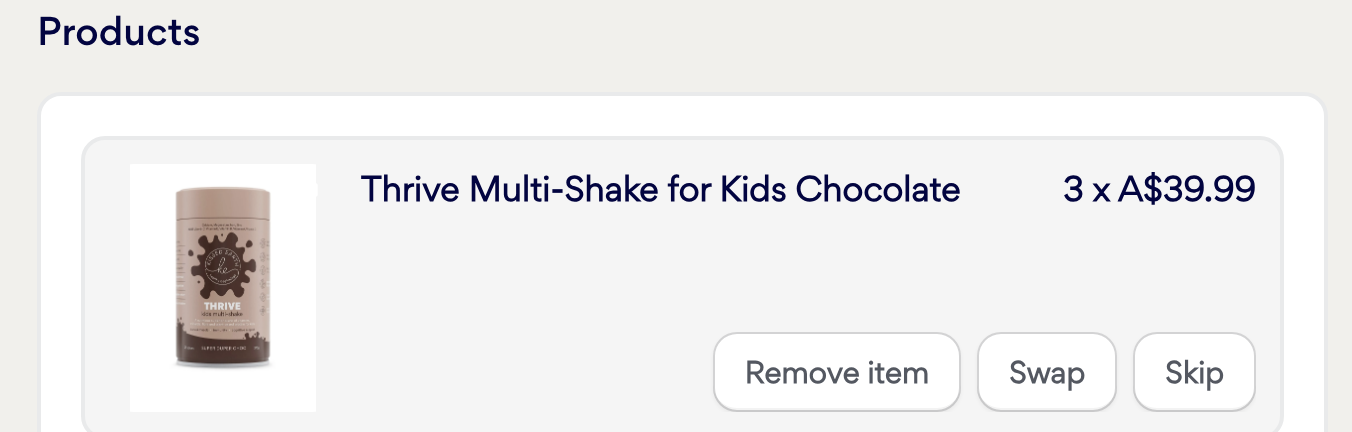
When you are logged into your subscription account, find the subscription you want to change - Click on Skip (see image below) and it will save automatically. This will then show that the current order will be skipped.
If you are having trouble accessing this screen or need assistance, please email [email protected] and customer service can help make changes to your subscription for you.